

Bento Grid Dashboard Builder and Analytics Customization
Firewire Analytics uses a modular Bento Grid interface: you can assemble your own analytics panel from dozens of widgets and set each card's width, proportions, and adaptive auto height.
The Bento Grid builder lets you move cards freely (drag and drop), pick a width (1/4, 1/2, 3/4, or the full grid width), and switch the height between a fixed value (1/2 or 3/4) and Auto. In Auto mode a card stretches to the height of its row. All settings are saved to your profile on the server and are available on any device.
1. Turning on dashboard edit mode
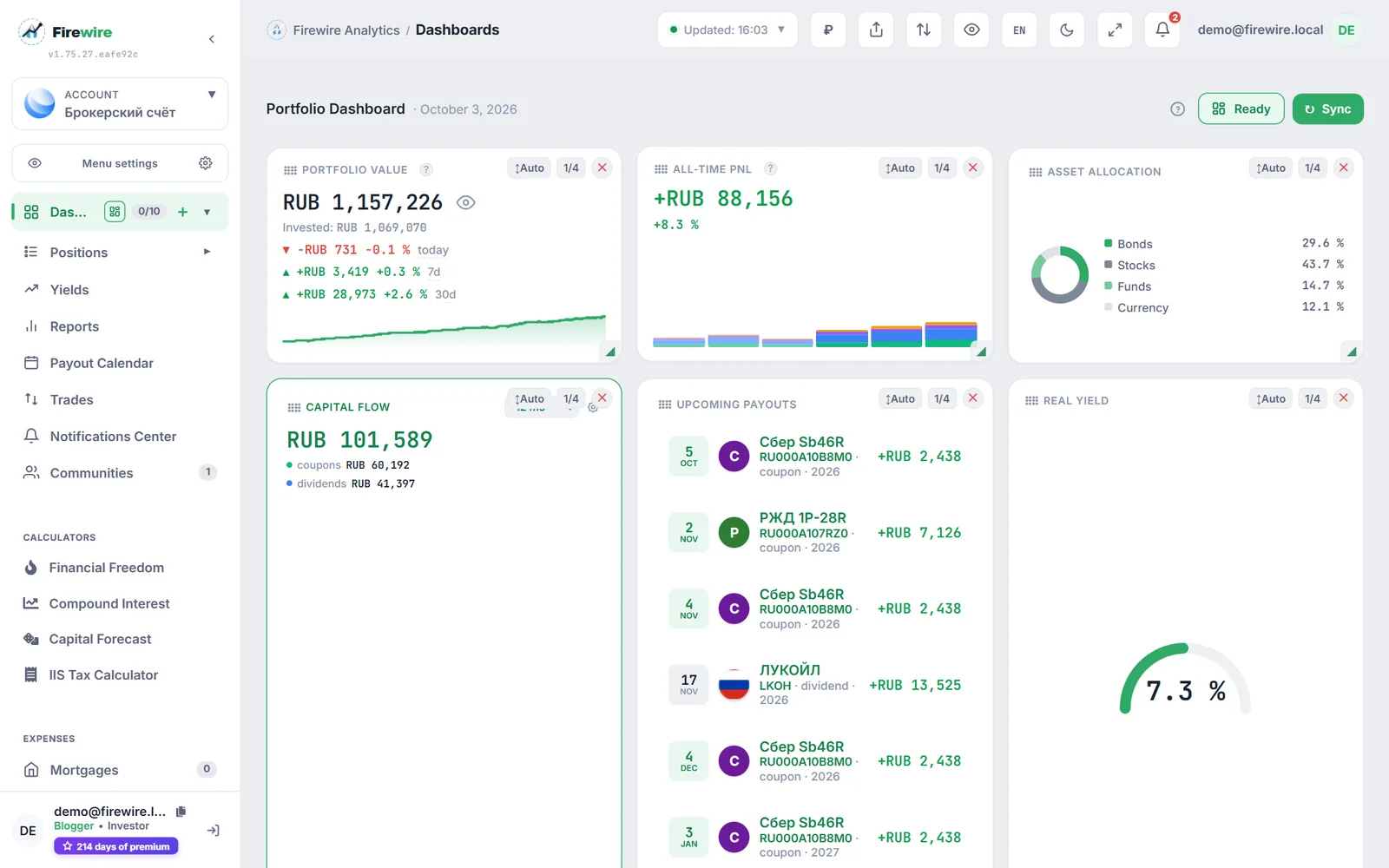
To change the layout, click Configure (the modular grid icon) in the top bar of the main screen. To leave edit mode, click Ready:
- Cards switch to interactive mode with a highlight frame and drag handles.
- To move a widget, grab the card by its header and drag it; neighboring blocks rearrange instantly.
- Quick settings buttons appear in the top-right corner of each card: resize, switch height, and remove the widget.
2. Catalog of analytics widgets
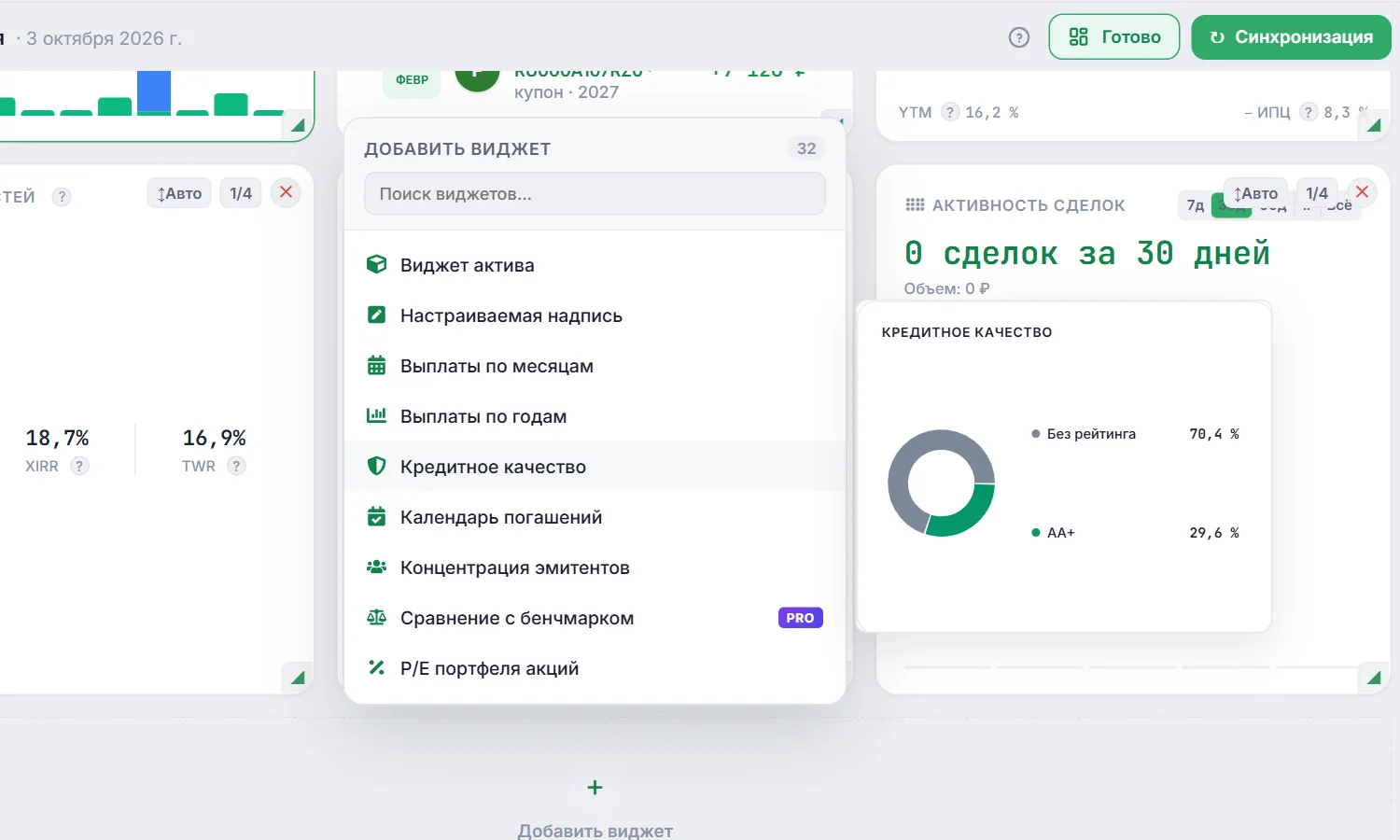
The builder panel offers a library of specialized financial widgets grouped by type of analysis:
| Category | Widgets | What it helps with |
|---|---|---|
| Returns and inflation | Real return, TWR, XIRR, portfolio PnL | Measures the real growth of your capital's purchasing power after Russian inflation (CPI). |
| Bond portfolio | Macaulay duration, offer map, coupon chart, floater yield forecast | Controls the interest rate risk of the bond portfolio and helps plan cash flows. |
| Diversification and risk | HHI concentration index, sector weights, currency structure | Quantifies issuer concentration and the risk of a single default. |
| Activity and trades | Transaction feed, trades activity (TradesActivityCard), yearly payments | Chronological tracking of buys, sells, and dividend and coupon receipts. |
3. Card sizes and adaptive widget auto height
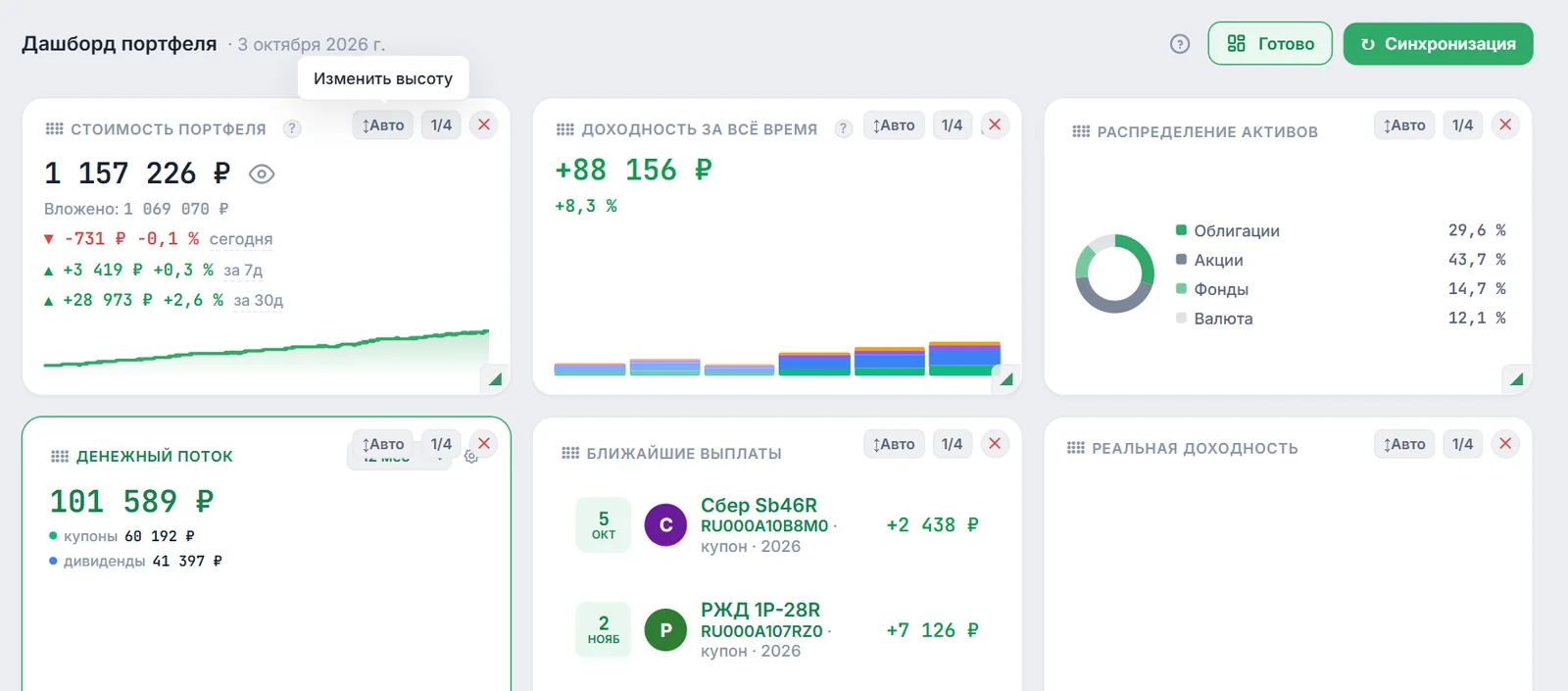
Every Bento Grid card has adjustable proportions:
- Card width: the button showing a fraction (
1/4,1/2,3/4, or1/1) cycles the width from a quarter of the grid to the full screen width. On narrow screens the grid reflows into 1–3 columns. - Card height: the ↕ button switches between a fixed height (
1/2or3/4) and Auto mode.
Better layouts with auto height
A platform update removed the excess empty space inside cards set to Auto height. Widgets such as:
- Real Return (RealYieldCard): the semicircular gauge of real bond yield stays centered in the card, and the “YTM − CPI” line sits at the bottom edge;
- Trades Activity (TradesActivityCard): a histogram of monthly trading volume and buy/sell statistics;
- Yearly Payments (YearlyPaymentsCard): total coupon and dividend income with a forecast for the current year;
- Single Asset (SingleAssetCard): current quote, percentage change, and a mini chart of the instrument,
now use an adaptive inner layout and spread their content more evenly across the card height. Keep in mind that in Auto mode a card stretches to the height of the tallest card in its row: if a card has little content (for example, Cash Flow), there will be free space at the bottom. To remove it, give that card a fixed height or place it in a row with cards of a similar size.
4. Privacy mode and presets
The Bento builder works closely with safe viewing and sharing features:
- Privacy mode: the eye icon button in the header hides absolute balance amounts (replacing them with asterisks or relative % shares), so you can show your screen to colleagues or post screenshots on social media.
- Sharing: your dashboard layout is saved for you only. To show your portfolio to others, build a separate public page in the public links builder — it has its own widgets and templates.
- AI Copilot integration: when you open a chat with the AI Copilot, the terminal automatically optimizes free grid space so widgets stay readable next to the chat panel.